W1213 AC 110 -220V Smart Temperature Controller LCD Digital Thermostat Timer Sensor Probe Cool Heat Mode for Incubator Aquarium |
Описание товара
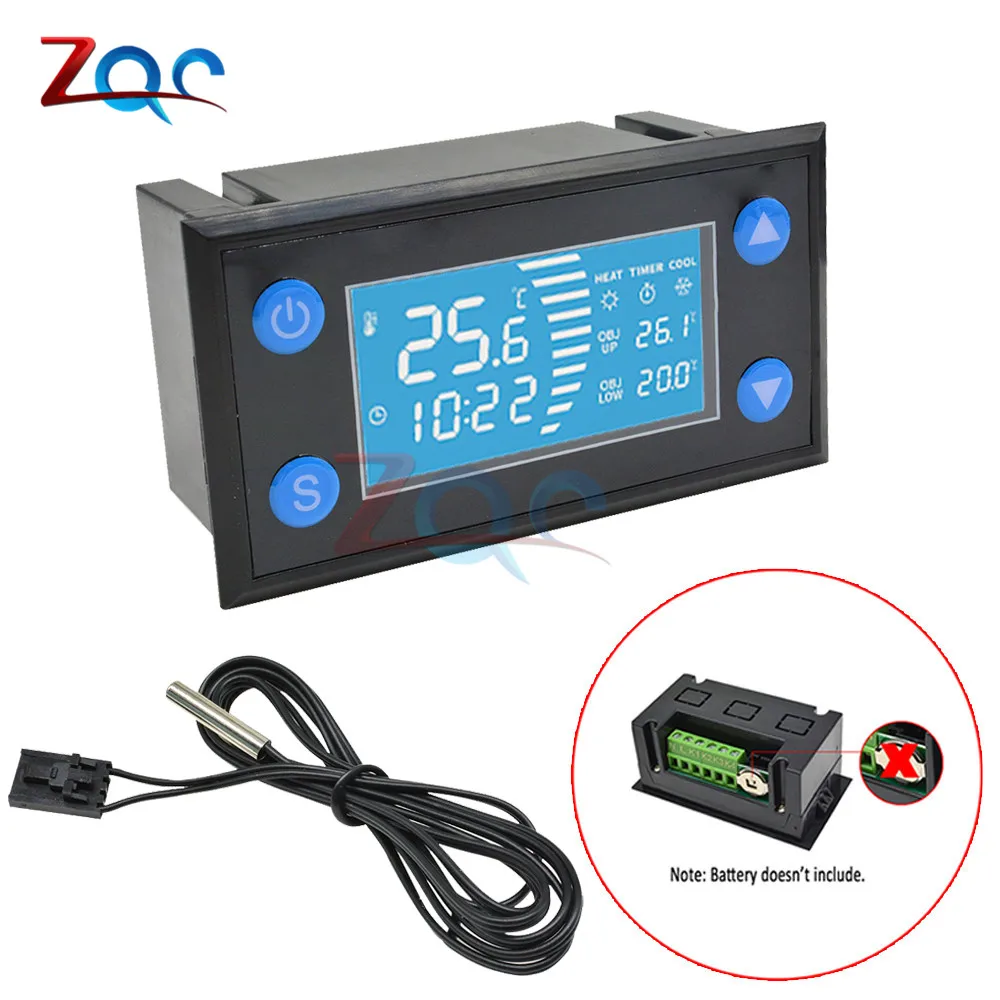
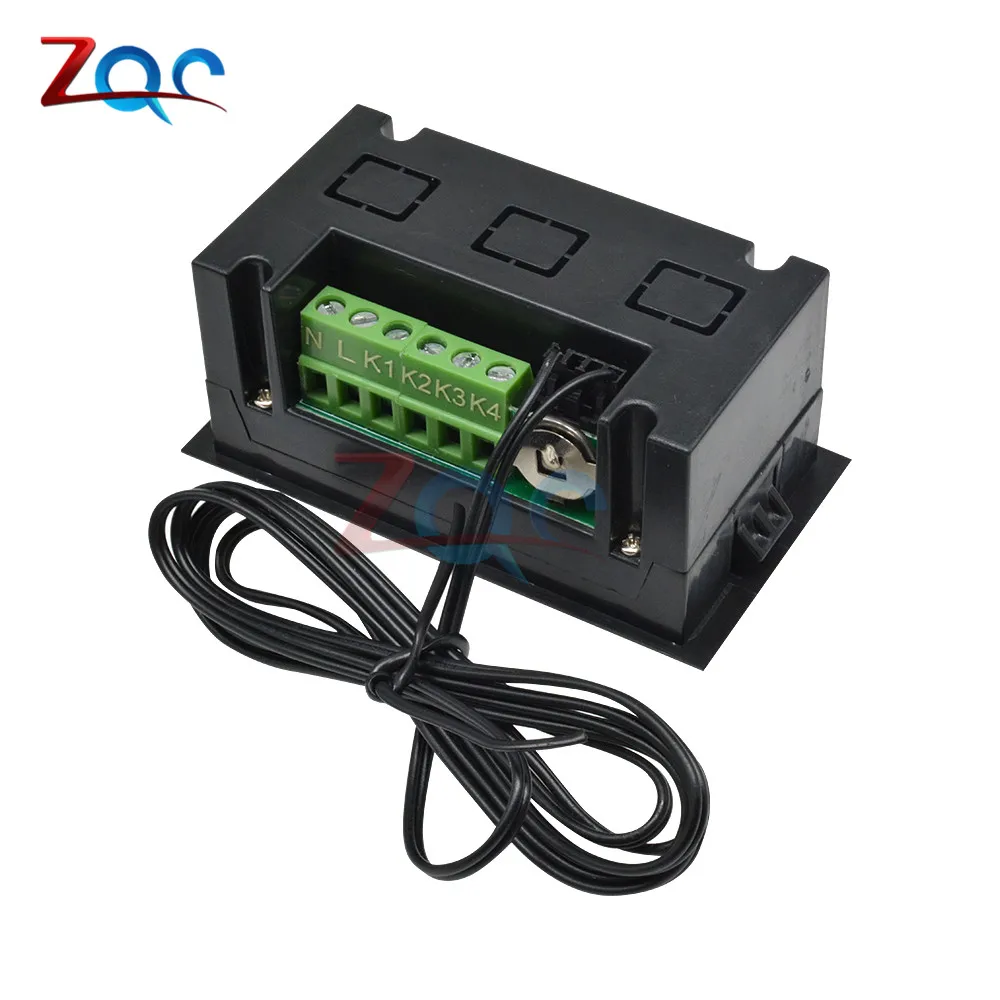
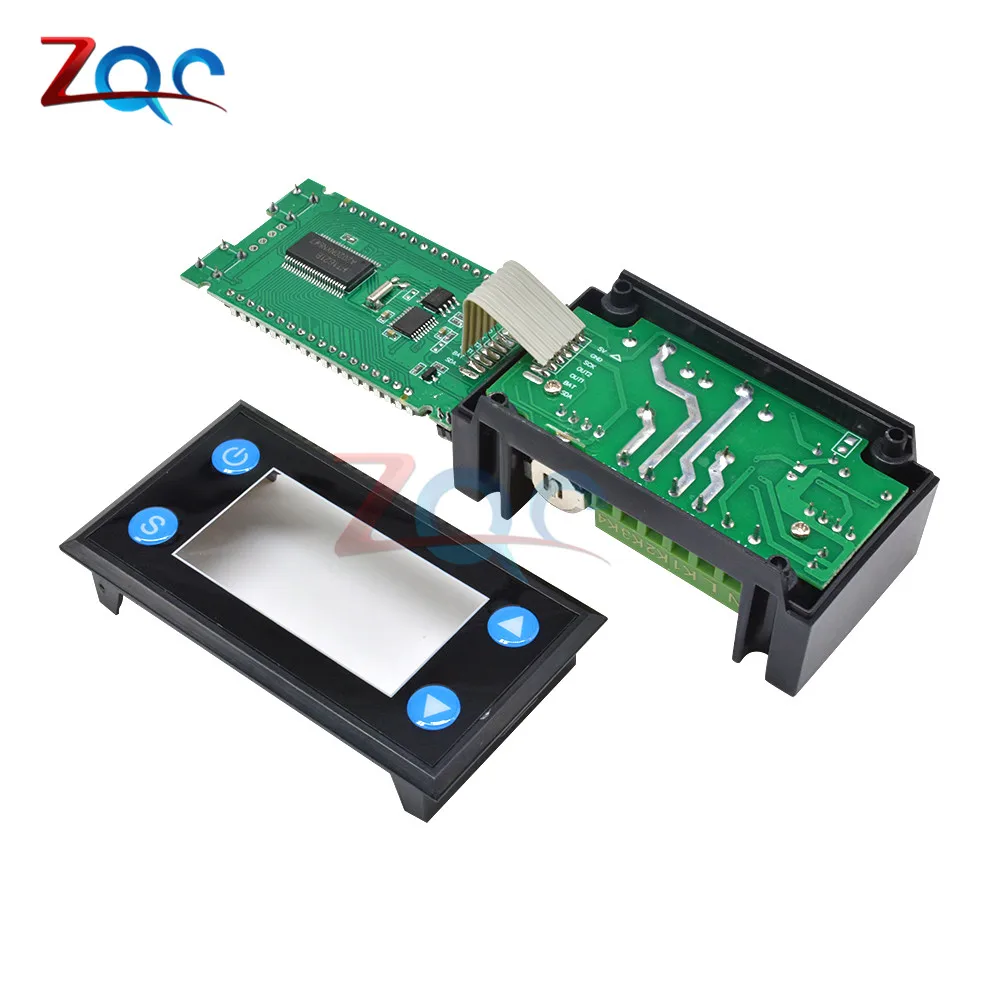
W1213 AC 110 -220V Smart Temperature Controller LCD Digital Thermostat Timer Sensor Probe Cool Heat Mode for Incubator AquariumNote: The product has a clock function with a battery. The product is shipped without a battery. The customer needs to buy the battery by himself. The battery model: CR1220 3V button battery. The battery needs time calibration for the first time.Time calibration operation mode: in the case of power on, long press the setting button to enter the setting interface, the up and down keys can select any menu of P1-H2. If you need to calibrate the time, use the up and down keys to select the P5 menu, short press the set key to confirm and enter, and then adjust the time through the up and down keys.Specification:Product name: Intelligent temperature controllerProduct model: W1213Power supply voltage: AC110 -220VWorking frequency: 50HZTemperature range: -40 -120°CTemperature measurement accuracy: ±0.5°CSensor cable length: 100CMSize: 79.5*43*35mmShell material: surface shell ABS, bottom shell flame retardant ABSDisplay panel descriptionHeat (corresponding icon display): heating mode, in the heating mode, the heating relay works.Cool (corresponding icon display): Cooling mode, in the cooling mode, the cooling relay works.Timer: Timer switch, in timer mode, the icon flashesOBJ LOW: Set lower limit of target temperatureOBJ HIGH: target temperature setting upper limitHorizontal marquee: increasing. Going up means heating decreasing and going down means coolingKey Description:1. Power button①In the power-on state, long press to power off②In the shutdown state, long press to turn on③In the setting mode, short press to confirm and press again to return to the home page to display the temperature.2. Set key①Long press to enter the setting mode option②In the setting mode option, short press to confirm the currently selected setting mode.3.- KeyIn the setting mode interface, short press-times to subtract 1, long press to continue to subtractIn the non-setting interface, long press to cancel the timing time.4.+ keyIn the setting mode interface, short press--times to increase by 1, long press to continue to increase.In the non-setting interface, short press to view the timer shutdown time setting value, long press the timer.5. Combination keysSetting key + number minus (restore factory settings)In the power-on state, pressing the key combination at the same time will restore the factory settings (long press)Mode description:Under normal operation, the LCD screen displays the real-time measured value of the current temperature, and automatically recognizes and switches the cooling and heating working mode.1. Cooling mode:①When the real-time temperature ≥ the target temperature upper limit setting value, it enters the cooling mode, the Cool indicator icon is on, the marquee decreases, and the cooling relay works.②When the cooling temperature drops to the lower limit set value of the target temperature, the refrigeration relay stops working, and the thermostat enters the temperature control state, and the temperature control range is the upper and lower limit set value of the target temperature.③When the refrigeration temperature rise value ≥ the target temperature upper limit setting value, the snowflake sign starts to flash, the thermostat enters the compressor delay state, and the refrigeration relay starts to work after the compressor delay (the compressor delay time can be set)2. Heating mode:①When the real-time temperature ≤ the lower limit set value of the target temperature enters the heating state, the Heat indicator icon is on, the marquee increases, and the heating relay works.②When the heating temperature reaches the target temperature upper limit setting value, the heating relay stops working, the marquee stops, and the thermostat enters the temperature control state. The temperature control range is the upper and lower limit of the target temperature.3. Timing on/off mode:①Through the number plus key, set the timing shutdown time in the power-on state, and in the timing mode, you can turn off the timing shutdown function by pressing the plus key②Through the number minus button, set the timing power-on time in the shutdown state, and in the timing mode, you can turn off the timing power-on function by long pressing the minus button.Tips:①In the normal mode, short press the power button or the plus button to view the setting parameters, it will return to the normal mode after 1 second.②In the setting mode, if no button is pressed, it will automatically return to the normal working mode after 10 seconds.③In the setting mode, when a certain option value is set, if the setting button or the power button is not pressed to confirm the return, the value will not be saved when it automatically returns to the normal working mode after 10 seconds.Package Included:1 * W1213 Thermometer with NTC Sensor Probe
Давно искала такие стульчики. Долго присматривалась. Взяла четыре и не пожалела. Очень удобно: когда надо ставишь за стол, если не... Читать отзыв полностью...
Купил у этого магазина пилу.Покупал WOYOFADA,а пришло какое то фуфло.12" шина а пилит только бруски 50*50,и если не применять усилие.Если... Читать отзыв полностью...
Решила заказать на пробу данный товар, пришел быстро. Качество материала очень хорошее, стирается легко. А главное подошёл к моему столу... Читать отзыв полностью...
Ужасный магазин, подумайте 100раз прежде чем покупать у них, через алиэкспресс. Чётко написано вернём товар по любой причине в течении... Читать отзыв полностью...




It works well. please send the instruction manual.... Читать отзыв полностью...